Improvements (3/21/2023 Report Changes)
The Critical / Non Critical / Imeediate Repair report template had the following adjustments made to it:
If viewing the Imeediate Repair Report, you will no longer see the HUD Map Repair Level Column.
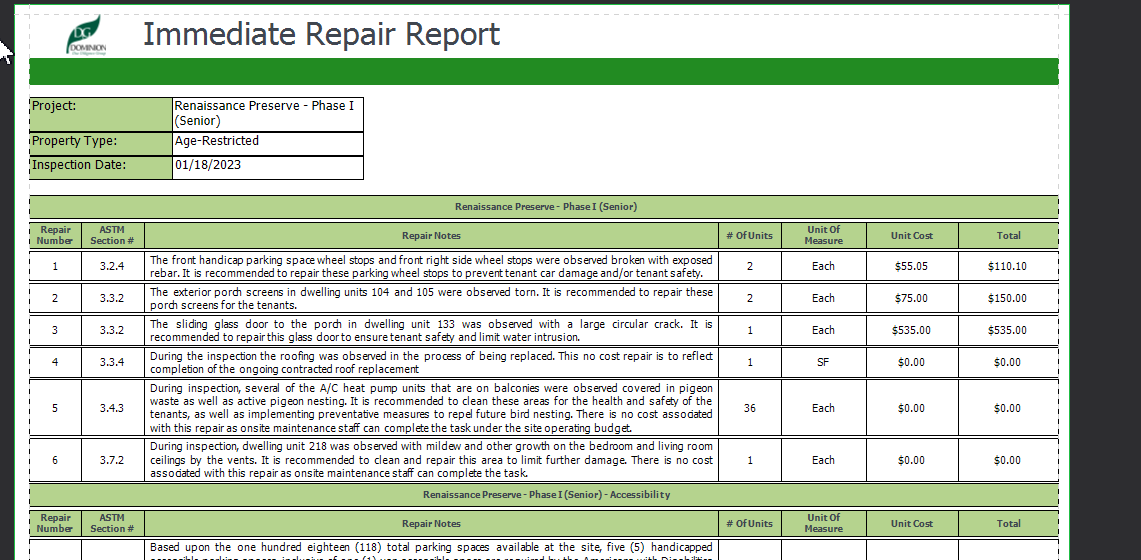
If viewing the Critical or Non-Critical Repair Report within a project using ASTM protocols, the HUD MAP Repair Level column is also not shown.
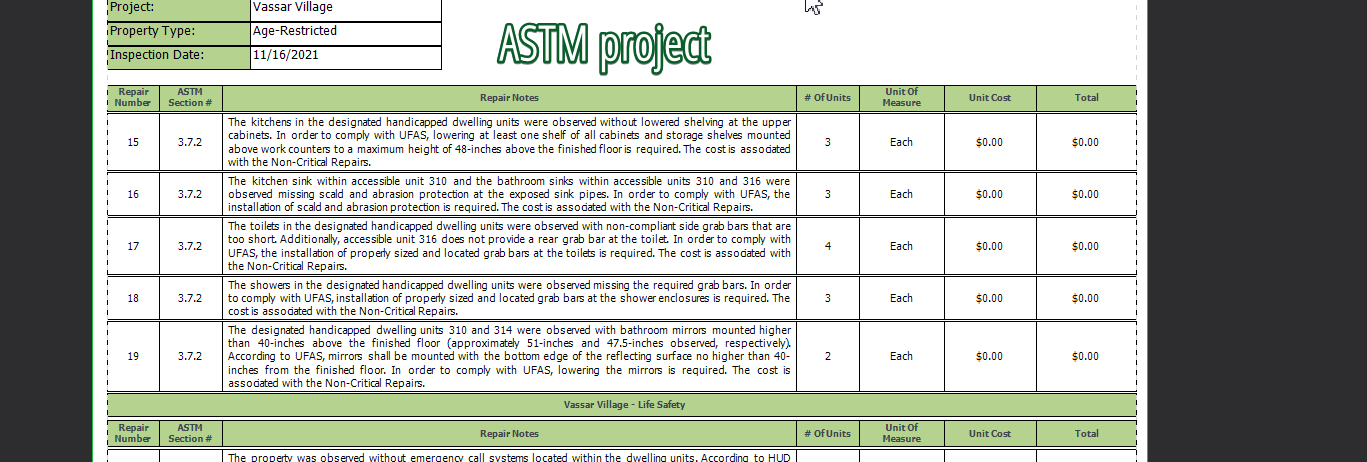
If viewing the Critical or Non-Critical Repair Report within a CNA Project, you will continue to see the HUD MAP Repair Level column.

Improvements (3/17/2023 Update)
Fixed a spelling mistake on the reserve reports (the word "operating" was mispelled).
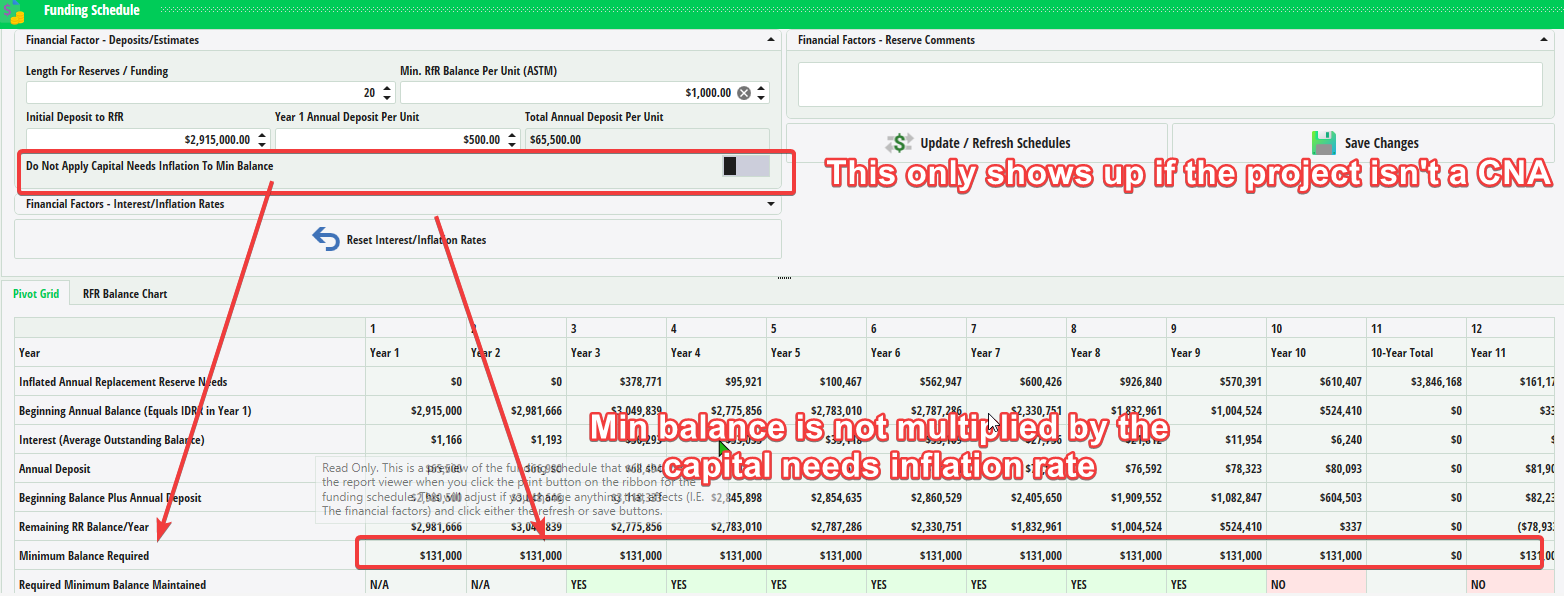
Adjusted the tooltip for the "Apply / Do Not Apply Capital Needs Inflation" toggle switch pictured below.
New Features
Report Center
- You can now toggle applying the Capital Needs Inflation Rate to the minimum required balance in NON-CNA / HUD projects (I.E. ASTM)
- By default, the rate is applied; if you toggle it off, the minimum balance required remains flat throughout the duration of the funding schedule.
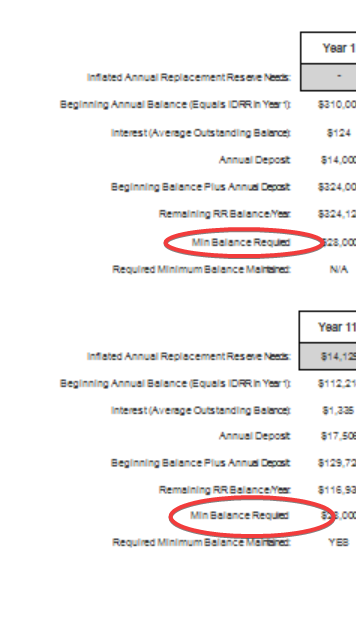
- If you use the toggle feature noted up above, it will also reflect this in the report print outs:
Questions / Comments ?
- If any clarification is needed for the update information listed up above, please contact support via Jira.